USB-C Won the Cable War. So Why Is Your Drawer Still a Mess in 2026?
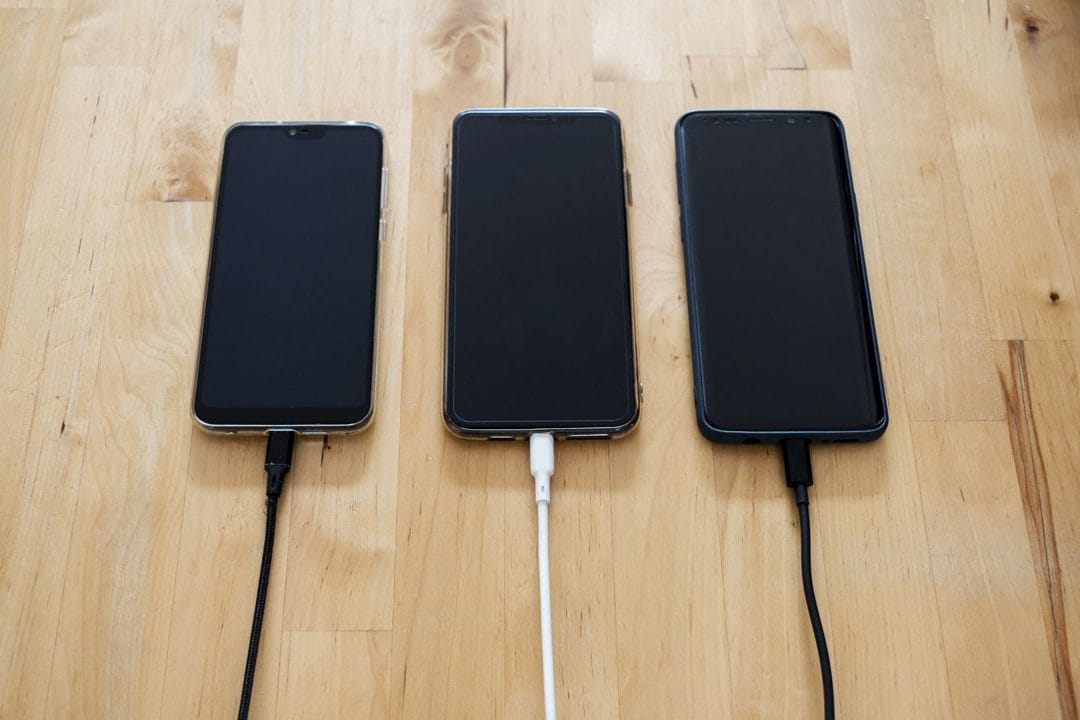
The EU's common-charger rule kicked in at the end of 2024, and by now nearly every phone, tablet, and pair of earbuds you can buy in London or New York ends in the same oval port. The cable war is over. USB-C won. And yet the drawer next to your bed still holds six black cables, and you have no idea which one charges your laptop fast and which one barely keeps a watch alive.
That mess isn't your fault. The connector is identical across all of them, but the wire behind it is not. A USB-C cable can carry anything from 15 watts to 240 watts, and data speeds from a crawling 480 megabits per second up to 80 gigabits. Two cables that look like twins can behave nothing alike. This is the part nobody warned you about when they said "everything's USB-C now."
The connector lies to you
Here's the trap: the shape of the plug tells you it will fit, and nothing else. A cheap cable bundled with a cheap power bank might be charge-only, with no data lines at all. Plug your phone into your PC with it and you'll get power but no file transfer, then spend twenty minutes blaming the laptop. I've done exactly this, twice, with the same anonymous cable, because I never threw it out.
The watts matter just as much. Apple's 16-inch MacBook Pro wants 140 watts to charge at full speed, which needs a cable rated for USB Power Delivery 3.1 and the newer EPR (Extended Power Range) spec. Hand it a generic 60-watt cable and it still charges — just slowly, and sometimes not at all while you're hammering the CPU. The cable is the bottleneck, not the charger.
The four cables most people actually need
You don't need a labelled bin of fifteen. For most men running a phone, a laptop, earbuds, and maybe a portable monitor or a Steam Deck, the honest answer is four:
- One 240W USB-C to USB-C cable for the laptop. The Anker 765 (often sold as the "Nylon USB-C to USB-C 240W") is the one I keep on the desk — it's rated for the full EPR range and the braided jacket survives being yanked.
- One fast data cable rated Thunderbolt 4 or USB4 (40Gbps) for moving files off a camera or running an external SSD. Cable Matters and Anker both make solid ones under $30.
- A short 60W charge cable for the bag — phone, earbuds, anything small. Length matters here: a 1-foot cable doesn't tangle.
- One spare you genuinely don't care about, for the car or the office desk you keep forgetting things on.
That's it. Everything beyond those four is the drawer growing back.
How to read a cable without a lab
You can't see watts or gigabits by looking. But there are tells. Decent cables print their rating on the connector housing or the cable itself — "240W" or "40Gbps" stamped near the plug. No printing usually means a corner was cut somewhere. The thickness is another clue: a 240W cable has to carry more copper, so it's noticeably chunkier than a charge-only string.
If you want certainty rather than guesswork, a small inline USB-C tester like the one from FNIRSI costs about $25 and shows you live wattage and the negotiated PD profile when you plug a cable through it. It sounds like overkill until the first time it tells you the "fast" cable you bought is quietly delivering 18 watts.
The certification you can actually trust
USB-IF runs a certification program, and certified cables carry a specific logo with the wattage and speed printed inside it. It's not marketing fluff — a certified 240W cable has been tested to handle the current without melting. The catch: plenty of perfectly good cables skip certification to save money, so the absence of the logo isn't proof a cable is bad. It just means you're trusting the brand instead of the lab.
The thing the EU rule didn't fix
One port for everything was always going to be a convenience for buyers and a quiet headache for anyone who cares how their gear performs. The regulation standardised the hole in your phone. It said nothing about what runs through the wire. So we traded a drawer of incompatible shapes for a drawer of identical-looking cables with wildly different guts — which is arguably worse, because at least the old Lightning-versus-micro-USB mess was visible at a glance.
Buy four good cables, throw the mystery ones in the bin tonight, and stop letting a $3 wire decide how fast your $2,000 laptop charges.