Desk Lamps That Don't Destroy Your Eyes: BenQ ScreenBar, Xiaomi Mi, Others
Bad lighting ruins your workspace. Here are the desk lamps that actually help your eyes through 8-hour workdays.
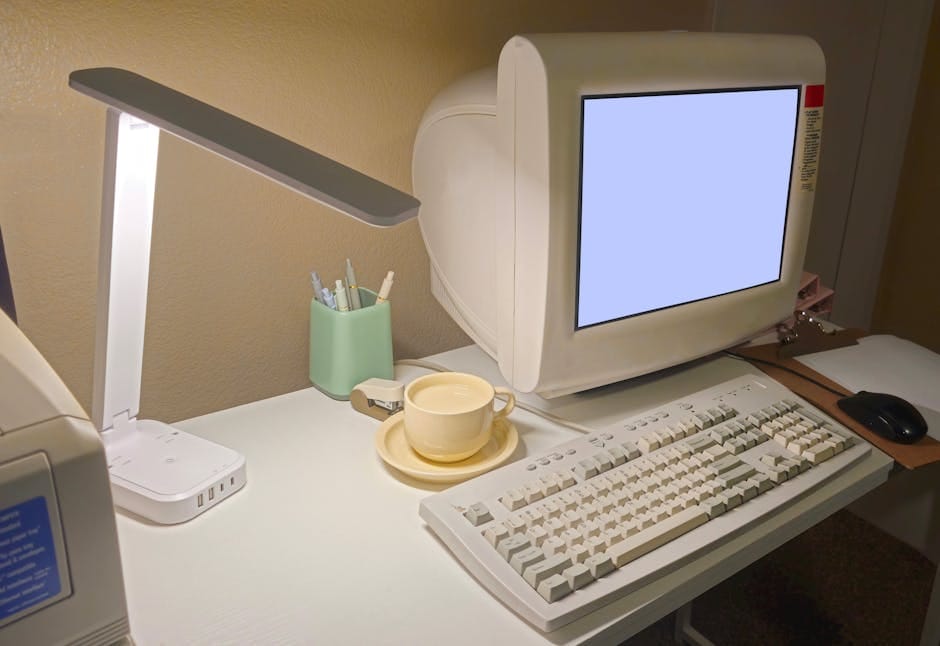
Most people don't think about desk lamps until their eyes start hurting. Overhead office lighting casts shadows on your keyboard. A bright lamp creates glare on your monitor. The cheap lamp you grabbed from IKEA makes your workspace feel like a dungeon. Lighting affects eye fatigue, mood, and even productivity — but it's rarely the priority during desk setup.
The good news: desk lamp technology has evolved. Solutions exist that specifically address the screen work scenario. Here are the ones that earn your desk space.
BenQ ScreenBar Halo — $199
The gold standard of screen-work lighting. Sits on top of your monitor. Illuminates your keyboard and desk surface without shining in your eyes or creating screen glare.
The clip mounts on any monitor bezel. No desk space used. Light is directed downward and forward, illuminating everything under it. Automatic brightness adjustment based on ambient light.
What it does right: designed specifically for the "reading or typing at a monitor" scenario. Eliminates the "your face is dark, your screen is bright" problem that ruins video calls.
The Halo version has a rear-facing ambient light that reduces eye strain by matching light behind the monitor. More expensive but genuinely reduces fatigue in long sessions.
The BenQ ScreenBar Plus at $129 is the step-down. Missing the rear ambient light but otherwise excellent.
Xiaomi Mi LED Desk Lamp 1S — $39
Budget alternative to premium desk lamps. Adjustable color temperature (warm to cool). Dimmable brightness. Compact arm for precise positioning.
What it does right: surprisingly good for the price. Light quality is reasonable. Build feels better than most $40 lamps. Good desk positioning.
What it's weaker at: no advanced features like automatic adjustment. The design is straightforward but functional.
For students or budget-conscious users, this is the value pick.
Dyson Solarcycle Morph — $399
Premium desk lamp that mimics natural daylight. Changes color temperature through the day — cooler in the morning, warmer in the evening. Motion-activated. Long arm for flexibility.
What it does right: research-grade lighting research applied to consumer products. The daylight simulation genuinely reduces eye fatigue for long-term screen work.
What it's weaker at: expensive for a desk lamp. Overkill for most users.
For professionals who do extremely long screen work (16-hour days, chronic eye strain history), the investment might be justified. For most users, overkill.
Anker Eufy Smart Lamp — $79
Middle-tier smart desk lamp with voice control and scheduling. Works with Alexa and Google Home. Programmable color temperature schedules.
What it does right: integrates with smart home setups. Can be part of a lighting routine (warming up as evening approaches, cool in the morning for focus).
What it's weaker at: physical build is plastic, feels less premium than $200+ options. Light quality is good but not exceptional.
Woodlamp Pendant Lamp — $159
For a more decorative approach, wooden-framed desk lamps like those from Woodlamp Studio or Grain Design add aesthetic value to workspaces. Warmer tone, less sterile than pure LED desk lamps.
For office design where the lamp is part of the aesthetic, these are worth considering. For pure functional lighting, BenQ ScreenBar wins.
The key specifications
Color Rendering Index (CRI)
A metric of how accurately a light renders colors compared to natural sunlight. CRI of 80+ is acceptable; 90+ is better.
BenQ ScreenBar: CRI 95+. Excellent.
Xiaomi Mi LED: CRI 90+. Good.
Generic cheap lamps: CRI often 70-80. Colors look washed out.
For graphic design or color-critical work, prioritize high CRI. For general writing and office work, 80+ is fine.
Color temperature range
Measured in Kelvin. Lower (2700K-3000K) is warm/yellow. Higher (5000K-6500K) is cool/blue.
For screen work: 4000K-5000K is optimal. Neutral tone that doesn't compete with monitor.
Avoid lamps fixed at 3000K (too warm, fatiguing for long sessions). Avoid lamps fixed at 6500K (too cool, harsh).
Adjustable lamps that cover 2700K-6500K let you tune for time of day and mood.
Dimmer range
Good lamps go from 10% to 100% brightness smoothly. Cheap lamps have only 3-5 discrete levels, making fine-tuning impossible.
BenQ ScreenBar: continuously dimmable.
Xiaomi Mi LED: continuously dimmable.
Generic cheap lamps: often discrete levels only.
Positioning
The light needs to be positioned to illuminate your work area without shining in your eyes or reflecting off the screen.
ScreenBar (clips to monitor): perfect by design.
Traditional desk lamp: requires articulating arm for precise positioning. Fixed-base lamps are less useful.
Position light so it illuminates the keyboard and paper area. Avoid positioning where the direct light cone intersects your field of view or monitor.
What to skip
Skip lamps without adjustability. Fixed brightness and color temperature lamps don't adapt to different times of day or tasks.
Skip cheap "LED lamps" under $25. The LED quality is poor, CRI is often under 70, and the product lasts 1-2 years before failing.
Skip "gaming RGB lighting" desk lamps. They prioritize aesthetic over function. Light quality is usually poor.
Skip fluorescent lamps. Outdated technology. Poor color rendering. Often flicker at subtle rates that contribute to eye strain.
The bigger lighting picture
A desk lamp is part of a total workspace lighting setup:
- Ambient room light (overhead or natural) — set baseline.
- Desk lamp — illuminates work area.
- Bias light behind monitor — reduces eye strain.
- Video call lighting (if applicable) — dedicated light for your face.
Ignoring any one of these creates imbalanced lighting that strains your eyes over time.
A basic setup: ScreenBar Halo + existing overhead light is enough for most. Adding bias lighting (LED strip behind monitor) improves further.
Bias lighting deserves mention
LED strip lights behind your monitor (Philips Hue Play, MediaLight Mk2, or Govee Dreamview) reduce eye strain by illuminating the area behind the screen. Your eyes don't have to constantly adjust between bright screen and dark background.
Cost: $40-100 for decent bias lighting. Setup takes 15 minutes.
For people who work in dim rooms, bias lighting is a larger improvement than upgrading the desk lamp itself.
Video call lighting
If you do frequent video calls, dedicated face lighting improves how you appear on screen. A Lume Cube Video Conference Light ($69) or ring light at eye level transforms video appearance.
This is separate from desk lamp. The desk lamp illuminates your work; the video call light illuminates your face. Both are useful in different scenarios.
The setup I recommend
For a serious home office:
- BenQ ScreenBar Halo ($199) — illuminates desk surface.
- LED bias lighting behind monitor ($60-80) — reduces eye strain.
- Optional: Lume Cube face light for video calls ($69).
Total: $330-350. Genuinely transforms how the workspace feels.
For budget home office:
- Xiaomi Mi LED Desk Lamp 1S ($39).
- Simple LED bias strip ($30).
Total: $69. Significant improvement over overhead lighting alone.
One thing often forgotten
Natural light matters. If you have a window, position your desk to use it. Natural light has the highest CRI possible (CRI 100 by definition — it's the reference).
An ideal desk position: perpendicular to a window, so light comes from the side rather than the front (no glare on screen) or back (silhouetted against window).
During the day, this natural light plus a desk lamp for accent lighting is optimal. In the evening, the desk lamp becomes the primary light source.
Most office workspaces neglect lighting. Upgrading it is one of the fastest quality-of-life improvements you can make for a workspace. Eyes fatigue less. Productivity improves. The space feels more welcoming.
Spend $150-300 on a proper lighting setup. Use it for 10 years. Your eyes will thank you for decades.