The 2026 Home Office Camera Upgrade: Why the Webcam in Your Laptop Is Costing You Promotions
The webcam in your laptop is costing you promotions. The 2026 home-office camera upgrade: Logitech MX Brio, Opal C1 and the Sony mirrorless hack, with USD pricing.
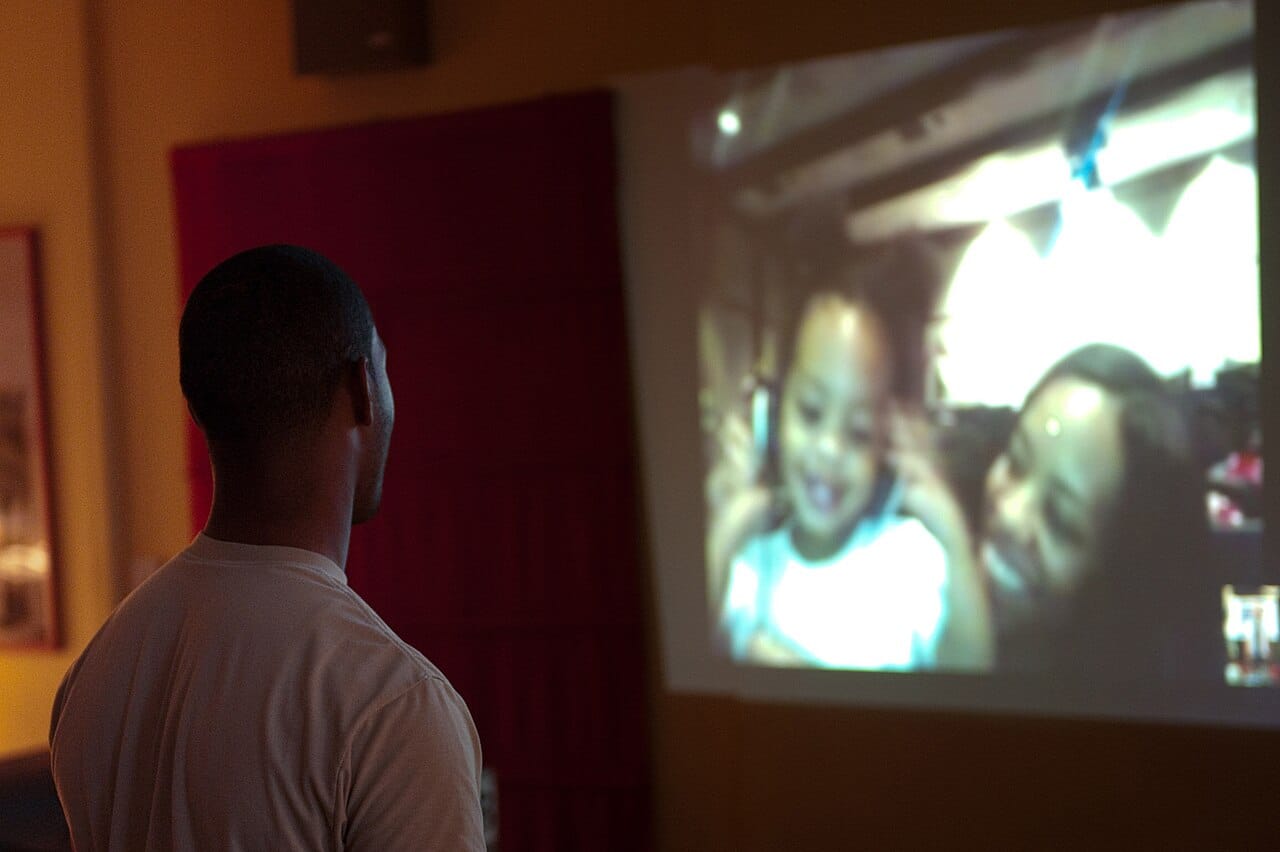
Most men running a serious career on hybrid work in 2026 are still being seen by their bosses, peers and clients through a 720p pinhole installed three feet below their eyeline. The single cheapest upgrade you can make to your professional presence this year is not a new suit, a new desk or a new LinkedIn headshot. It is the camera attached to the laptop you spend nine hours a day in front of.
Why Your Built-In Webcam Is Still Bad in 2026
The MacBook Pro 16 still ships with a 1080p camera. The Dell XPS 15 still ships with a 1080p camera. The ThinkPad X1 Carbon still ships with a 1080p camera. The pixel count is the lie. What you actually get is a fixed-focus sensor smaller than a sesame seed, a lens whose only real job is to fit between the bezel and the LCD, and a video pipeline that has been tuned for power efficiency rather than image quality.
The result is the same on every machine: a slightly washed-out, slightly noisy, slightly upward-tilted version of you that looks less awake than you actually are. In a 14-person video meeting that runs 45 minutes, the man on the screen who looks alert, sharp and three years younger than his face is the one who got promoted last quarter. This is not vanity. It is signal-to-noise on the only channel your senior leadership actually uses to perceive you.
The Three Cameras Worth Buying in 2026
The Default Pick: Logitech MX Brio 705 for Business — $249
Logitech finally retired the aging Brio 4K in late 2025 and replaced it with the MX Brio 705. It is the camera most men should buy. A 4K Sony Starvis sensor, on-board AI auto-framing that is not aggressive enough to embarrass you, a magnetic privacy shutter that actually feels solid, and a USB-C connection that does not require a hub. The default settings are conservative — no fake skin smoothing, no aggressive HDR — and the color science is genuinely accurate under mixed office lighting. It mounts on top of any monitor and disappears into the bezel.
The Premium Pick: Opal Tadpole or Opal C1 — $175 to $299
Opal has spent four years building cameras specifically for the work-from-home executive class, and it shows. The Tadpole ($175) clips onto a laptop lid like a clothespin and is the only USB-C webcam that genuinely looks like it belongs on a $4,000 machine. The C1 ($299) is a full-size desk camera with the best low-light performance of anything under a thousand dollars. The software is a real piece of macOS-native engineering — not a port of a Chinese OEM utility — and the noise reduction is best-in-class. The downside is Mac-first; Windows support is functional but second-priority.
The Mirrorless Hack: A Sony ZV-E10 II as a Webcam — $999 Body Only
If you are on three or more hours of camera per day, the math changes. A used Sony ZV-E10 II with a Sigma 16mm f/1.4 ($999 body + $449 lens) plugged into your machine via USB-C is in a different optical universe from anything sold as a webcam. The background blur is real bokeh, not computational fakery. The skin tones are accurate. The dynamic range tolerates the worst home-office lighting. You also own a real camera for the weekend. The cost is the camera body itself and 20 minutes of one-time setup with the free Sony Imaging Edge Webcam utility.
What Actually Moves the Needle Beyond the Sensor
A $300 camera in bad light looks worse than a $80 camera in good light. Three fixes matter more than the camera you buy.
- Get the camera at eye level. A laptop on the desk shoots up your nose. A monitor at eye height with the camera on top fixes 80% of the problem on its own. If you cannot get there, a $30 laptop stand and an external display is the cheapest career investment you will make this year.
- Light the front of your face, not the ceiling. A single Elgato Key Light Air ($129) at 45 degrees above eye line, color temperature matched to the room, is what every newsroom has used for 50 years. Your face stops looking gray. Your eyes stop looking sunken.
- Kill the window behind you. Backlight from a window is the single most common reason executives look terrible on Zoom. Either close the blinds, turn 90 degrees, or accept that you will look like a silhouette during every afternoon meeting from now until you retire.
The Microphone Question
If you have already fixed the camera, the next bottleneck is audio. Your AirPods are fine for a one-on-one. They are not fine for a board update. A Shure MV7+ ($279) on a desk arm is the standard the broadcasters use, and it costs less than a midrange office chair. The reason it matters: people forgive a slightly grainy image. They do not forgive a voice that sounds like it is coming from a 2009 phone in a parking garage.
The Setup That Earns Its Money
The fully kitted version of this — MX Brio, Key Light Air, MV7+, monitor arm — runs about $730 all in. That is roughly one mediocre suit, or one good pair of shoes, and unlike either of those it shows up in every single meeting you take for the next four years. Most men will spend $2,000 on a chair before they spend $250 on a camera. Most men should not.
The Verdict
If you are still being seen at work through the camera that came with your laptop, fix it this week. The Logitech MX Brio 705 is the answer for nine out of ten men. The Opal C1 is the answer if you are on Mac and want best-in-class. The Sony body is the answer if you are on camera as much as you are off it. Whatever you buy, get it to eye level, light your face, kill the backlight. The man on the screen who looks like he is in control is the one who is. The hardware is just there to make sure the camera does not get in the way.