Wireless Charging in 2026: Why Your Phone Still Charges Slower Than You Think It Should
Your wireless charger isn't broken. Qi2 fixed alignment, not the wattage ceiling — here's what actually slows your phone's overnight charge.
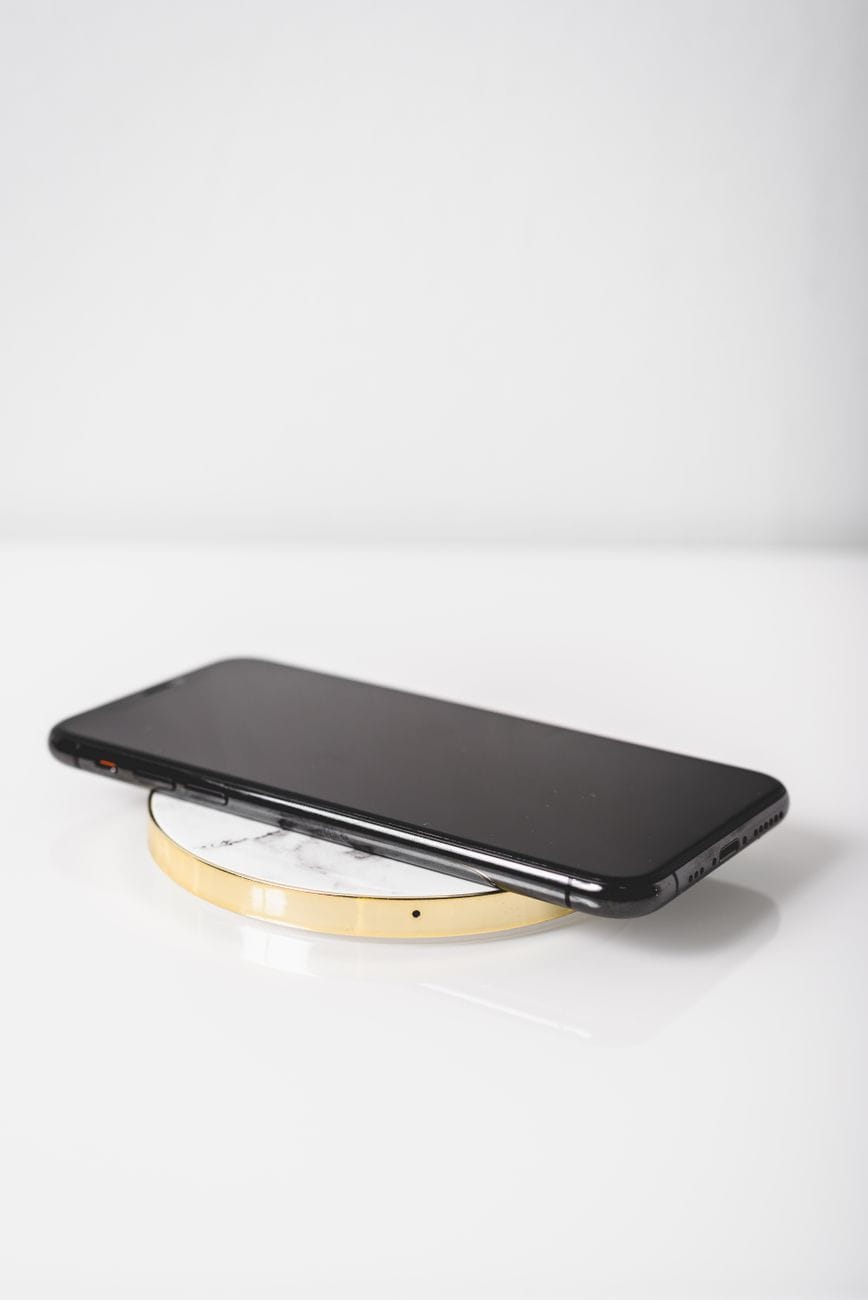
You set your phone on the charging pad before bed, plug in the cable, watch the little lightning bolt appear next to the battery icon, and wake up eight hours later to find it sitting at 94 percent. Not 100. Ninety-four, after a full night, on a charger that supposedly pushes 15 watts into a battery smaller than the one in a decent flashlight. Something isn't adding up, and the box it came in was never going to tell you what.
The Watt Number on the Box Is a Best-Case Scenario
Wired charging moves electrons through a cable with almost nothing in the way. Wireless charging moves them through the air, using two coils — one in the pad, one in your phone — that talk to each other through induction. That handoff is where the trouble starts. Depending on alignment, coil quality, and the distance between the two surfaces, a meaningful share of the power gets lost as heat before it ever reaches your battery, and manufacturers routinely quote the number measured under ideal lab conditions rather than the number you'll actually see on your nightstand. A "15W" pad rarely delivers a sustained 15 watts to the phone; it delivers up to 15 watts for a few minutes, then backs off once the coil warms up, because heat is the enemy of lithium-ion cells and every phone on the market throttles input current the moment its internal sensor reports a rising temperature.
This is the part nobody puts on the packaging. Apple's own documentation for years listed 7.5W as the practical MagSafe ceiling for older iPhones even though the charger was rated at 15W, and Samsung's fast wireless charging pads have quietly capped output on phones running warm cases since the Galaxy S21 generation. None of this is a defect. It's the system working exactly as designed, prioritizing battery longevity over bragging rights on a spec sheet — which is the right trade-off, even if it means your phone takes ninety extra minutes to top off compared to a cable.
Qi2 Fixed the Alignment Problem, Not the Speed Problem
The Wireless Power Consortium's Qi2 standard, built around the magnetic array Apple contributed from MagSafe, solved the single biggest source of wasted energy in wireless charging: bad alignment. Earlier Qi pads relied on you eyeballing the coil position, and a phone sitting even five millimeters off-center could lose a third of its charging speed to induction loss. Qi2's magnets snap the phone into the exact same spot every time, which is why a Qi2-certified pad and a Qi2-certified phone consistently charge faster and cooler than the same two devices did under old-generation Qi.
What Qi2 didn't do is raise the ceiling. The baseline spec still tops out at 15 watts for the vast majority of certified accessories, which puts it well behind a 45W or 65W USB-C brick running through a cable. A £35 Anker MagGo pad and a £90 Belkin BoostCharge Pro stand will both cap out at roughly the same speed on a Qi2 phone, because the limit sits in the standard, not in the price tag — the extra money buys you a cooling fan, a nicer stand angle, or a longer cable, not more watts.
Why Android Phones Play by Different Rules
Samsung, Google, and most Chinese phone makers don't fully lean on the Qi2 baseline. They layer proprietary fast-wireless protocols on top of it, and those only unlock their full speed with the matching first-party charger. Buy a generic pad off a marketplace listing and a Galaxy phone will quietly fall back to the slower universal Qi rate, even though the pad claims a higher wattage on the box. Google does something similar with its own Pixel Stand hardware, and Xiaomi's 50W wireless charging only ever hits that number with Xiaomi's own charger sitting under it. The catch is that this proprietary layer only helps if you already own the matching charger, and most people don't — they own whatever pad was cheapest on the day they needed one, which means most Android owners are charging wirelessly at roughly half the speed their phone is technically capable of.
Buy the charger made by the same company that made your phone, or one explicitly certified for its fast-wireless protocol. A generic "25W Qi pad" from an unfamiliar brand is a gamble, and it usually loses — you'll get old-generation Qi speeds and pay a proprietary-charger price for the privilege.
Does Faster Wireless Charging Wear Out the Battery?
Every phone maker will tell you their thermal management keeps this from being a problem, and mostly they're right — the throttling described above exists specifically to protect the cells from the kind of sustained heat that accelerates capacity loss. Push past a certain temperature, though, and the protection isn't perfect. A phone charging wirelessly inside a thick case, on a hot windowsill, in direct sun, will run measurably warmer than the same phone charging on a bare desk, and repeated heat cycles at the top of that range do shave a small percentage off long-term battery health over a couple of years. It's not dramatic, and it's not a reason to avoid wireless charging altogether. It's a reason to keep the pad off the windowsill.
The Real Bottlenecks Sitting in Your Living Room
Assuming you've got a reasonably matched phone and pad, the next losses come from things you control without realizing it. A thick case, especially anything with a metal plate, kickstand, or a MagSafe-incompatible ring light, adds distance between the coils and can knock a third off your charging speed. A phone case with a credit card or transit pass tucked in the back — extremely common — will sometimes stop charging altogether, because the pad reads the card as interference. Using your phone while it's on the pad keeps the screen and processor drawing power at the same time the battery is trying to fill, which is the single easiest way to turn a two-hour top-up into a four-hour one. And a cheap USB-A-to-microUSB cable feeding an otherwise good pad will bottleneck the whole chain regardless of what the pad itself is rated for.
None of these are exotic failures. They're the ordinary, boring reasons your phone reads 94 percent instead of 100, and every one of them is fixable without buying anything new — take the case off, pull the cards out, put the phone face-down, and leave it alone.
Skip the charging stands with built-in fans and RGB lighting unless you actually need the extra cooling for a genuinely fast proprietary charger; on a standard 15W Qi2 pad, that hardware is solving a heat problem that barely exists at that wattage, and you're paying for a light show.
- A case over 2mm thick, especially with a kickstand or battery pack built in
- A wallet card, tucked behind the phone, that the pad reads as metal interference
- A misaligned pad — off by even a centimeter, the magnets can't always correct it on non-Qi2 phones
- Using the phone actively while it charges, which keeps the screen and chip drawing power the whole time
- A generic cable or brick feeding the pad less power than the pad is rated to output, among other silent bottlenecks
What Actually Changes for 2026
The industry's next real jump isn't a wattage number — it's resonance-based charging that doesn't require the phone to sit flat on a pad at all, letting it charge from a few centimeters away or even while it's still in your pocket near a charging surface. A handful of manufacturers have shipped early versions built into furniture and car consoles, and the efficiency losses are currently worse than a well-aligned Qi2 pad, not better, so this isn't a reason to wait before buying a charger today. For now, the fastest realistic path to a full battery is still the boring one: a matched charger and phone from the same ecosystem, no case getting in the way, and a screen that stays dark until the number hits 100.