Your First Mechanical Keyboard in 2026: What Actually Changes Under Your Hands
Switches, board size and keycap material decide whether a mechanical keyboard feels good in month six. A grounded buyer's guide for first-timers in 2026.
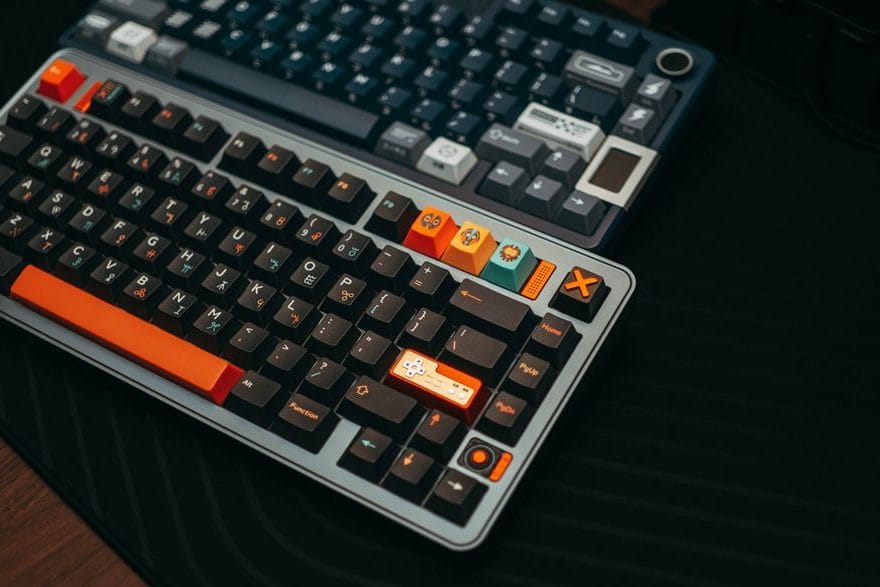
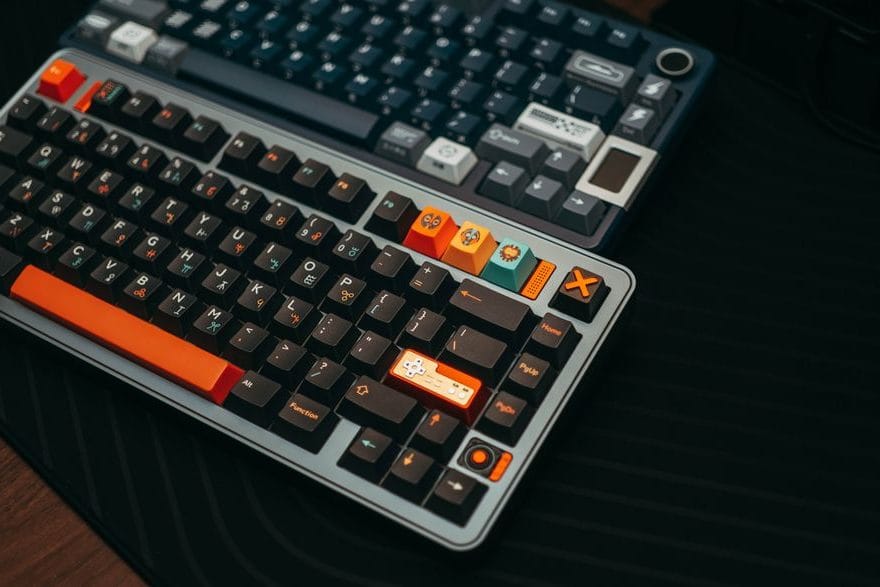
Most men buy a mechanical keyboard for the sound and end up keeping it for the wrist. That order of events is backwards, and it costs people money. The clack you hear on a YouTube typing test is the easiest thing to get right and the least important thing to live with eight hours a day. What matters is the switch under each key, the angle the board sits at, and whether the thing still feels good in month six when the novelty is long gone.
If you have spent years on a flat membrane board from a Dell or a Logitech K120, the jump is genuinely large. A real keyswitch travels about 4mm and registers the press somewhere in the middle, not at the bottom. You stop slamming your fingers into the desk to be sure a letter landed, because you can feel the actuation point. After a week your hands are quieter at the end of the day. That is the upgrade nobody films, and it is the one worth paying for.
Switches: the one decision that defines the whole board
Everything else is paint. The switch is the engine, and there are three families you will actually be choosing between.
- Linear (Cherry MX Red, Gateron Red): smooth top to bottom, no bump, quietest of the three. Most gamers land here, and so do people who share a room with someone who sleeps.
- Tactile (Cherry MX Brown, Holy Panda, Gazzew Boba U4T): a small bump partway down tells your finger the key fired. This is the best all-rounder for someone who types more than they game, and it is where I'd point a first-timer.
- Clicky switches like the Cherry MX Blue exist, they are loud on purpose, and your colleagues will quietly resent you. Try one before you commit.
Buy a switch tester for £8–£12 before you buy a keyboard. Pressing a Brown next to a Red for thirty seconds tells you more than an hour of reviews. The reviews are recorded by people whose hands are not your hands.
Hot-swap is the feature that pays for itself
A hot-swappable board lets you pull switches out by hand and drop new ones in, no soldering iron, no warranty void. Keychron's V and Q lines, the NuPhy Air75, and most of the Royal Kludge range all do this for well under £120. The reason it matters: your first switch choice is usually slightly wrong, and on a soldered board that mistake is permanent. On a hot-swap board it is a twenty-minute Saturday fix.
Size: the numbers people get wrong
Keyboard sizes are written as percentages, and they are nonsense until someone tells you what gets cut. A full-size board is 100% and has the number pad on the right. A "tenkeyless" or TKL drops that pad and nothing else — for most men this is the sweet spot, because the number pad was pushing your mouse hand uncomfortably far right for years and you never noticed.
Go smaller than TKL and you start losing the function row, then the arrow keys, accessed instead through a layer you hold a key to reach. A 65% board (the popular size right now) keeps arrows but hides F-keys. If you live in spreadsheets all day, do not buy a 60% — you will be fighting it. If you mostly write and browse, a 65% clears half your desk and you adapt in two days.
What the marketing won't say about price
The honest floor for a board you will not want to replace is around £70–£90. A Keychron V1 or an Epomaker TH80 in that range comes hot-swap, comes with decent stabilisers, and lasts years. Below £40 you are buying mushy stabilisers that rattle on the spacebar, and that rattle is the thing that drives people back to a membrane board within a month.
The custom keyboard world will happily sell you a £250 aluminium board with a gasket mount and a "thocky" sound profile. It is real, the difference is real, and almost nobody needs it to start. Spend £80, type on it for three months, and let your own preferences tell you whether the £250 board is solving a problem you actually have. Most men find out it isn't.
One last thing the spec sheet hides: keycap material. Cheap boards ship ABS plastic caps that go shiny and slick where your fingers land most. PBT keycaps cost a few pounds more, stay matte, and outlive the keyboard. If a board lists PBT in the description, that is a quiet signal the maker cared about the parts you touch.