Making your phone battery actually last in 2026: the settings that help and the myths that don't
Your phone's battery anxiety is mostly fixable. Here are the settings that genuinely extend it, the charging habits that protect it, and the tired myths to ignore.
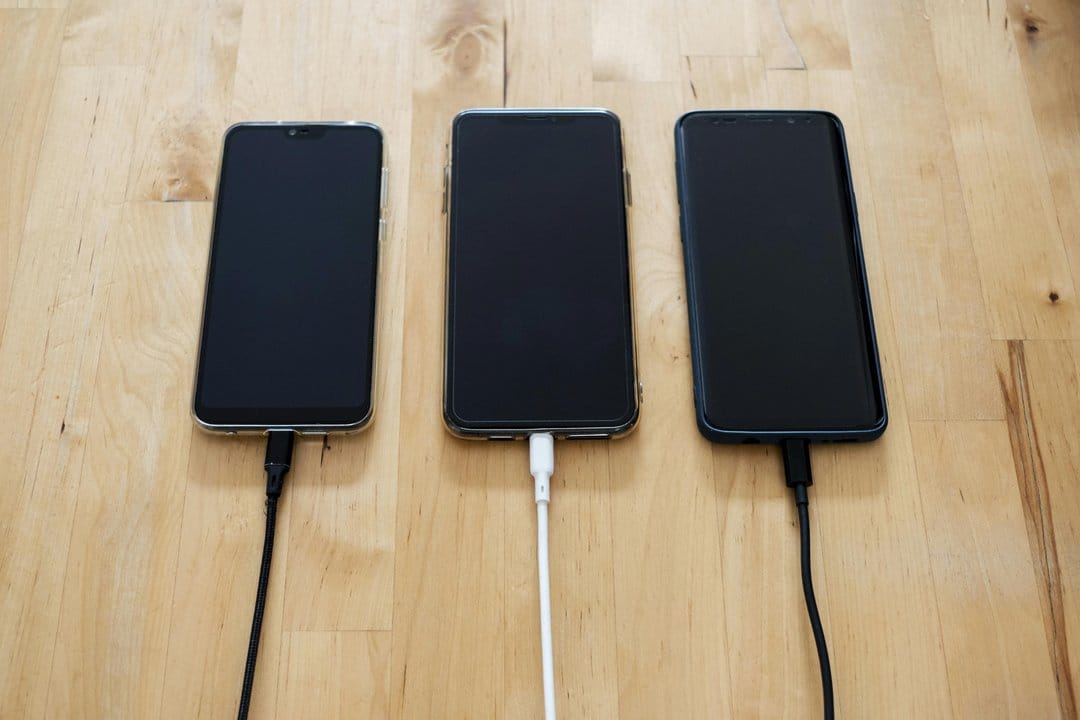
Battery anxiety is the modern condition. You leave the house at 100% and somehow you're nursing 18% by mid-afternoon, scanning every café for a free socket. The good news is that most of what drains a phone is fixable, and most of what people believe about "saving" the battery is folklore. Here's what genuinely works in 2026, and what you can stop worrying about.
The settings that actually move the needle
Forget the dozens of obscure tweaks that promise miracles. A handful of changes account for almost all the realistic gains.
- Screen brightness. The display is, by a distance, the biggest single drain on any phone. Knock brightness down to a comfortable level rather than letting it blaze, and turn on auto-brightness so it adapts. This one change alone can add hours.
- Lower the refresh rate if you can. Many phones now run their screens at a smooth high refresh rate, which looks lovely and costs battery. Dropping to a standard rate, or letting the phone switch adaptively, is a painless saving most people never notice in daily use.
- Rein in background activity. Apps refreshing, fetching and tracking location in the background are a quiet, constant tax. Go through your settings and switch off background refresh and always-on location for apps that don't need it — the social and shopping apps are usually the worst offenders.
- Use the built-in low-power mode. It throttles background tasks and visual effects exactly when you need the charge to stretch. There's no shame in living in it.
The charging habits that protect long-term health
There are two separate questions here: getting through today, and keeping the battery healthy over years. For longevity, the modern advice has shifted, and it's worth knowing.
Lithium-ion batteries are happiest in the middle of their range, not pinned at the extremes. Routinely draining to zero and charging to a full 100% and holding it there stresses the cell over time. That's why most phones now offer optimised or limited charging — features that learn your routine and avoid sitting at 100% overnight, or let you cap charging at 80%. If your phone has this, turn it on. Over a couple of years it meaningfully slows the decline in maximum capacity.
Heat is the other great enemy. Charging or gaming until the phone is hot, or leaving it baking on a sunny dashboard, ages the battery far faster than any charging pattern. Keep it cool and you've won most of the battle.
The myths you can finally ignore
A lot of received wisdom dates from older battery technology and simply isn't true any more.
"You must drain it to 0% to recalibrate." No. That was advice for old nickel batteries, which suffered from a "memory effect." Modern lithium-ion batteries actively dislike deep discharges. Top up whenever it suits you.
"Charging overnight ruins the battery." Largely a myth on modern phones, which stop drawing power once full and increasingly manage the overnight charge intelligently. It's fine — especially with optimised charging enabled.
"Closing all your apps saves battery." One of the most stubborn myths. Force-closing apps you'll reopen shortly can actually use more power, because relaunching them from scratch is more demanding than leaving them suspended. Let the phone manage its own memory.
"Only ever use the original charger." A good-quality charger that meets the right standards is perfectly safe. The real advice is to avoid dubious, uncertified cheap chargers — not to fear every third-party one.
When it's the battery, not your habits
If your phone is a few years old and dies despite all this, the battery itself has simply worn down — capacity fades with every charge cycle, and that's normal. Most phones show their battery health in settings; once it drops well below 80% of original capacity, you'll feel it. A battery replacement is far cheaper than a new phone and can give an otherwise capable handset another couple of years of life.
The honest summary: dim the screen, calm the background apps, keep it cool, and let the phone's own smart-charging features do their job. Do that and you'll spend a lot less of 2026 hunting for a plug socket.